How a Seatback Screen Escaped Its Kiosk Interface
A translated 2017 in-flight entertainment security report about an Android kiosk escape and the disclosure effort that followed.
Originally published and republished on Reverse Everything
I originally wrote this investigation on February 21, 2017. This English translation preserves my original report.
Historical safety note
This is a historical report about a passenger entertainment terminal, not an aircraft control system. Do not test kiosk or in-flight systems without explicit permission. The configuration shown dates from 2016 and is preserved as disclosure evidence.
I think many of you have used the media center on the seatback of expensive airlines, or at least seen how it works. You can watch movies, listen to music, and even play primitive games with the joystick.
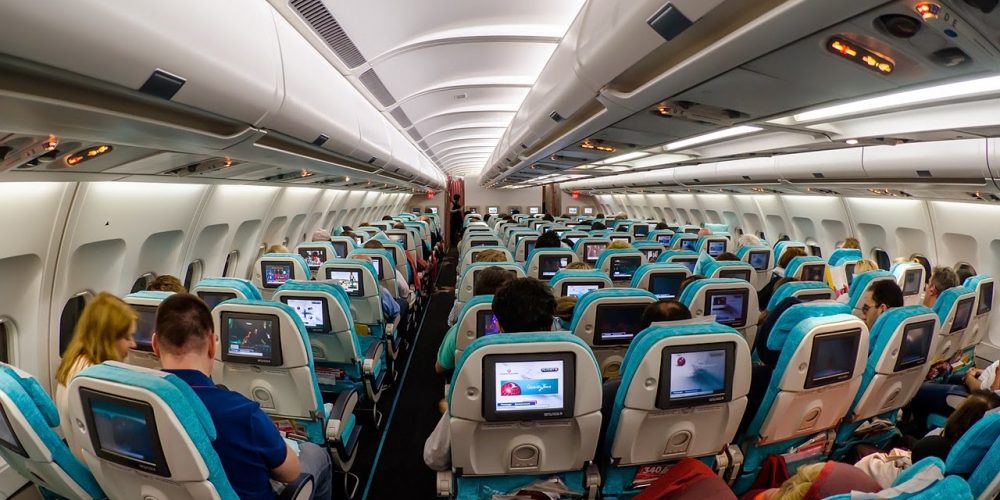
With the device in front of me for many hours, I became curious about how its interface was locked down. I examined it, documented what I found, and reported the issue to technical support.
That is exactly what I did, but I published the interface bypass method before the flaws were fixed. If you want to know why I did that, what sits under the media center interface, and what Turkish Airlines technical support does in its free time, read on.
What Is the Problem With Embedded Device Interfaces
Unfortunately, many Internet of Things devices have small flaws that allow you to bypass the standard interface and get into the operating system. I often enjoy studying bugs like this out of curiosity, not to harm devices or the public. Once you understand how an interface can fail, you understand how to protect your own software.
Many interface developers do not pay enough attention to security, and users can suffer because of that. This is serious, because an attacker can use phishing to steal personal data. Naive users can enter passwords and credit card data into a device that, at first glance, seems unable to harm them.
Long Hours in Flight
This was not my first Turkish Airlines flight, and I had already seen the media centers on several planes from this airline. You can distinguish a Windows CE device from an Android device by checking touchscreen gestures. Windows CE has no multi-touch support. Windows CE devices always use resistive touchscreens, while Android devices are almost always capacitive.
This time I got an Android media center. Visually the interfaces were the same, but by touch the difference was immediately noticeable. I started studying possible interface flaws on the screen assigned to my seat. Some devices can be taken over with just a finger, but not this one.
The seats have headphone jacks, a joystick, Ethernet, and a USB port. On the Windows CE devices on board, USB was disabled. I decided to try connecting a flash drive here too.
The message "USB Device detected" appeared.
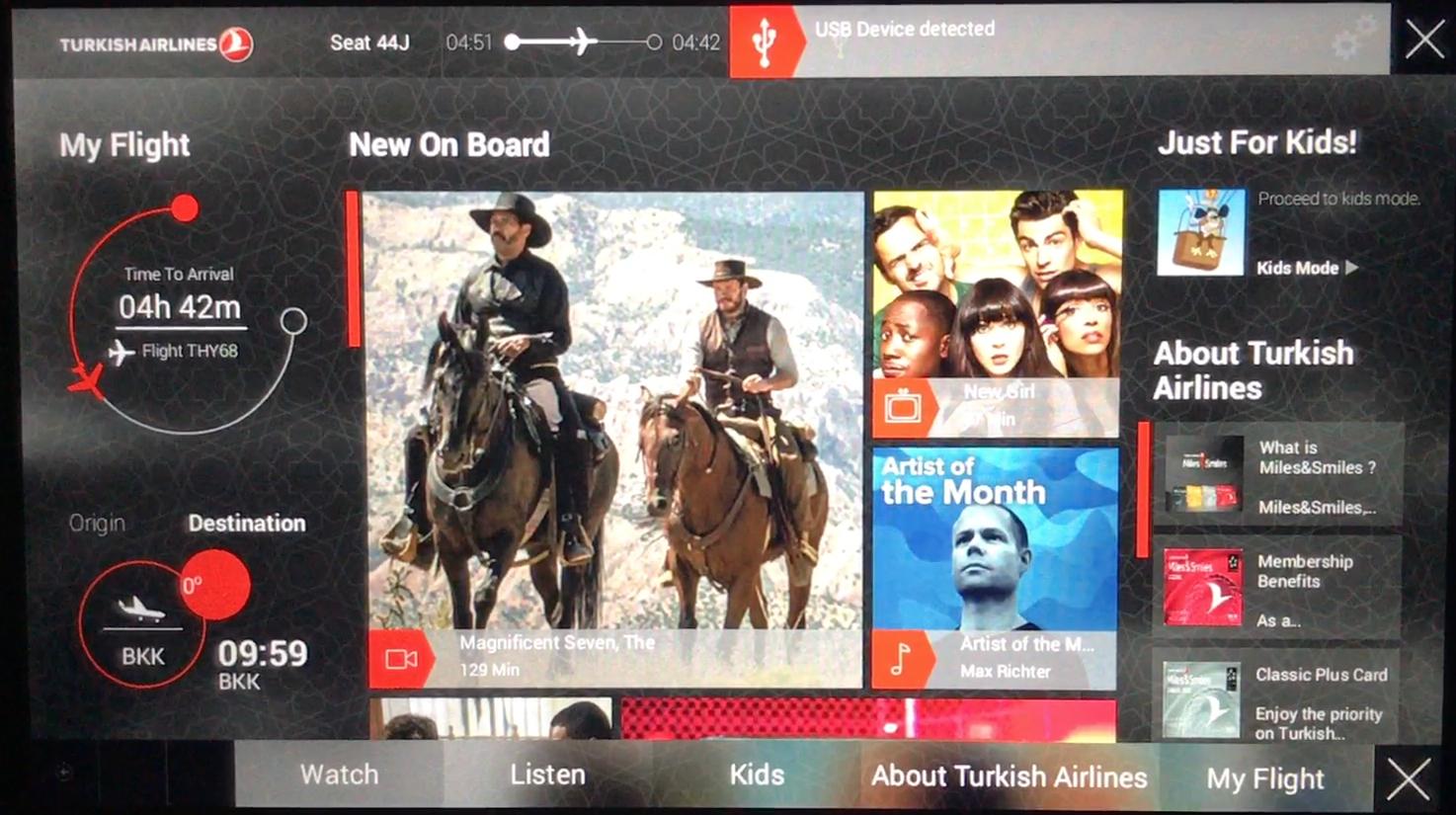
I found the USB playback section. It had three sections, JPG, MP3, and PDF.
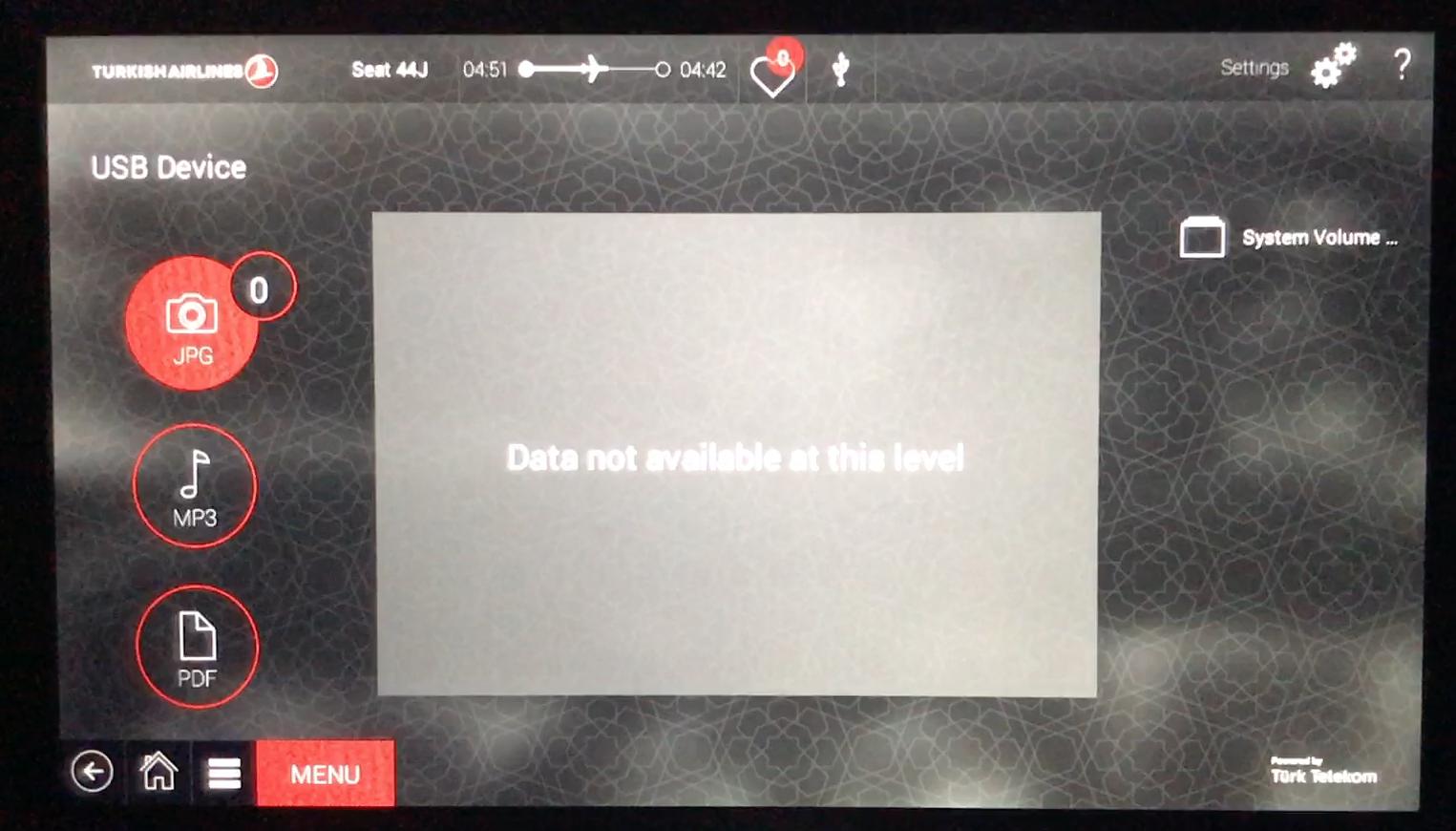
Next, I saved an arbitrary PDF file to the flash drive and connected it back to the media center. As a result, it appeared in the list and opened successfully.
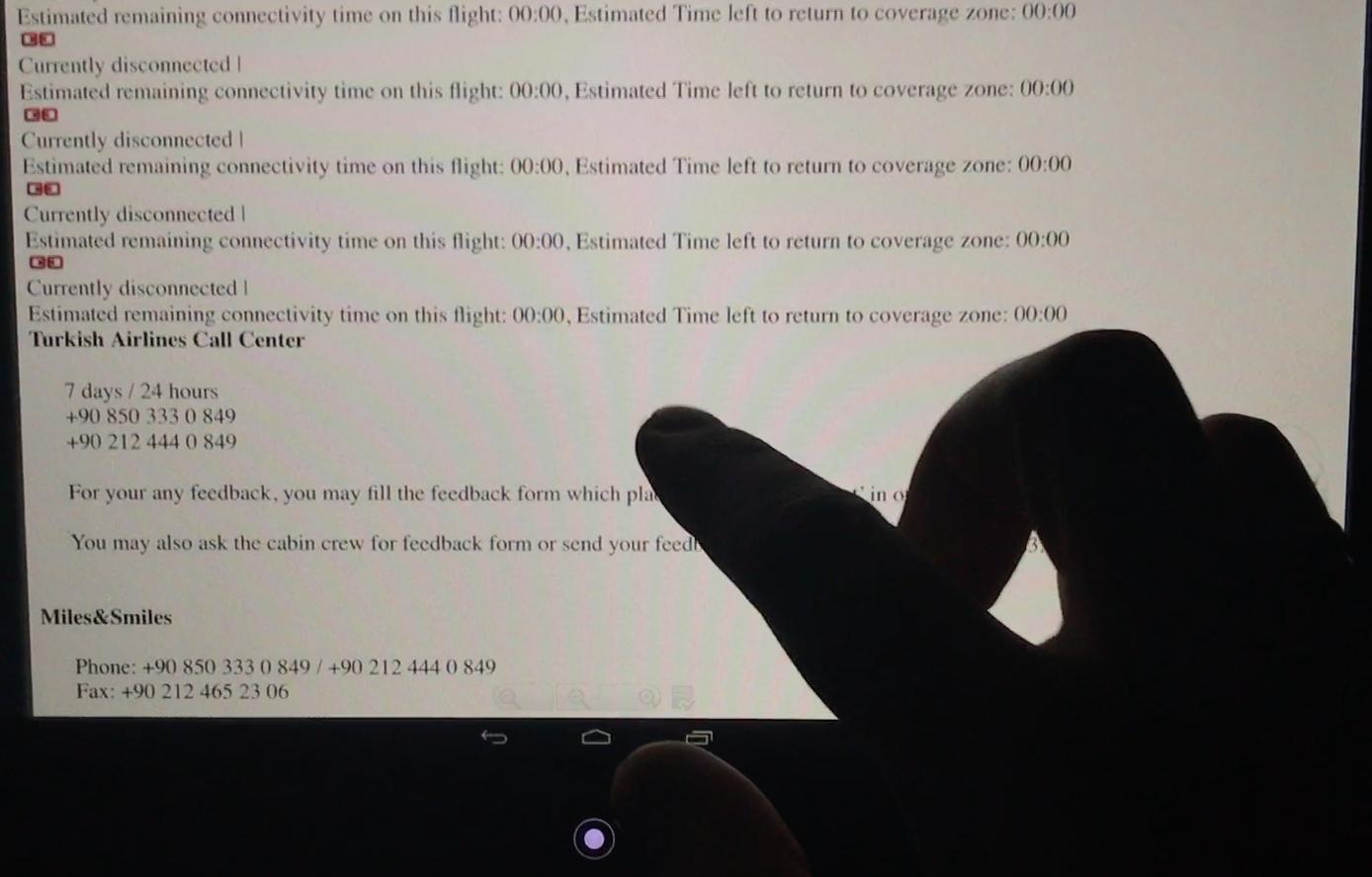
Standard Android buttons appeared at the bottom. Pressing the Home button is intercepted by the program and returns you to the media center, so those buttons are useless.
To go further, I selected a piece of text with my finger, and a menu appeared in the upper right corner.
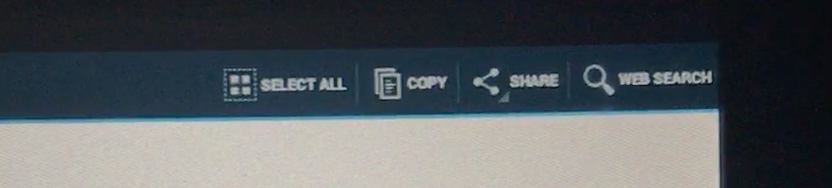
Through the Share menu, I got access to Mail and Messages, and from there I was able to look at the file system.
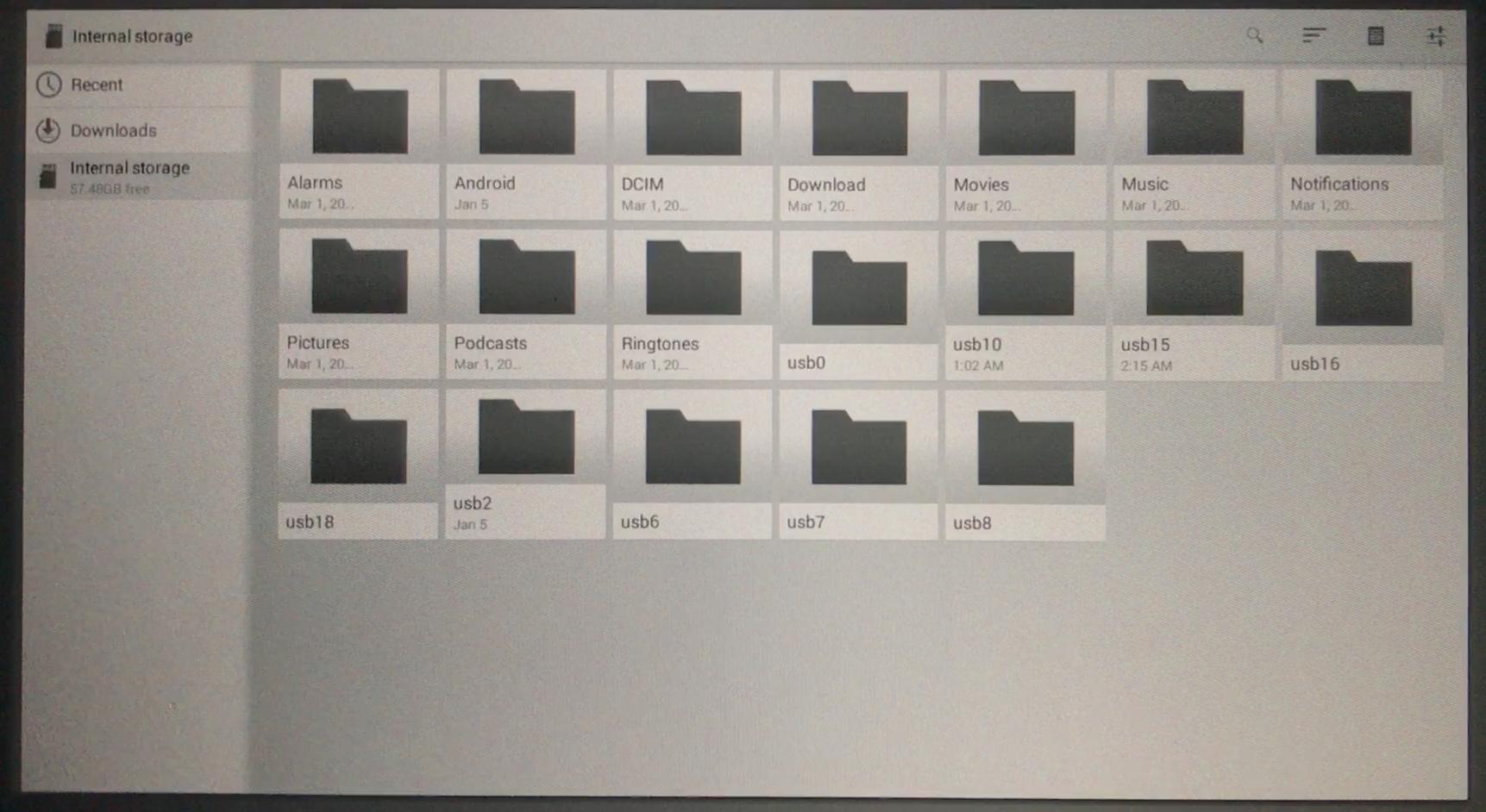
Inside, there was 64 GB of flash storage, most likely MicroSD. Then, through the same menu and the Web Search button, I was able to launch Google Chrome.
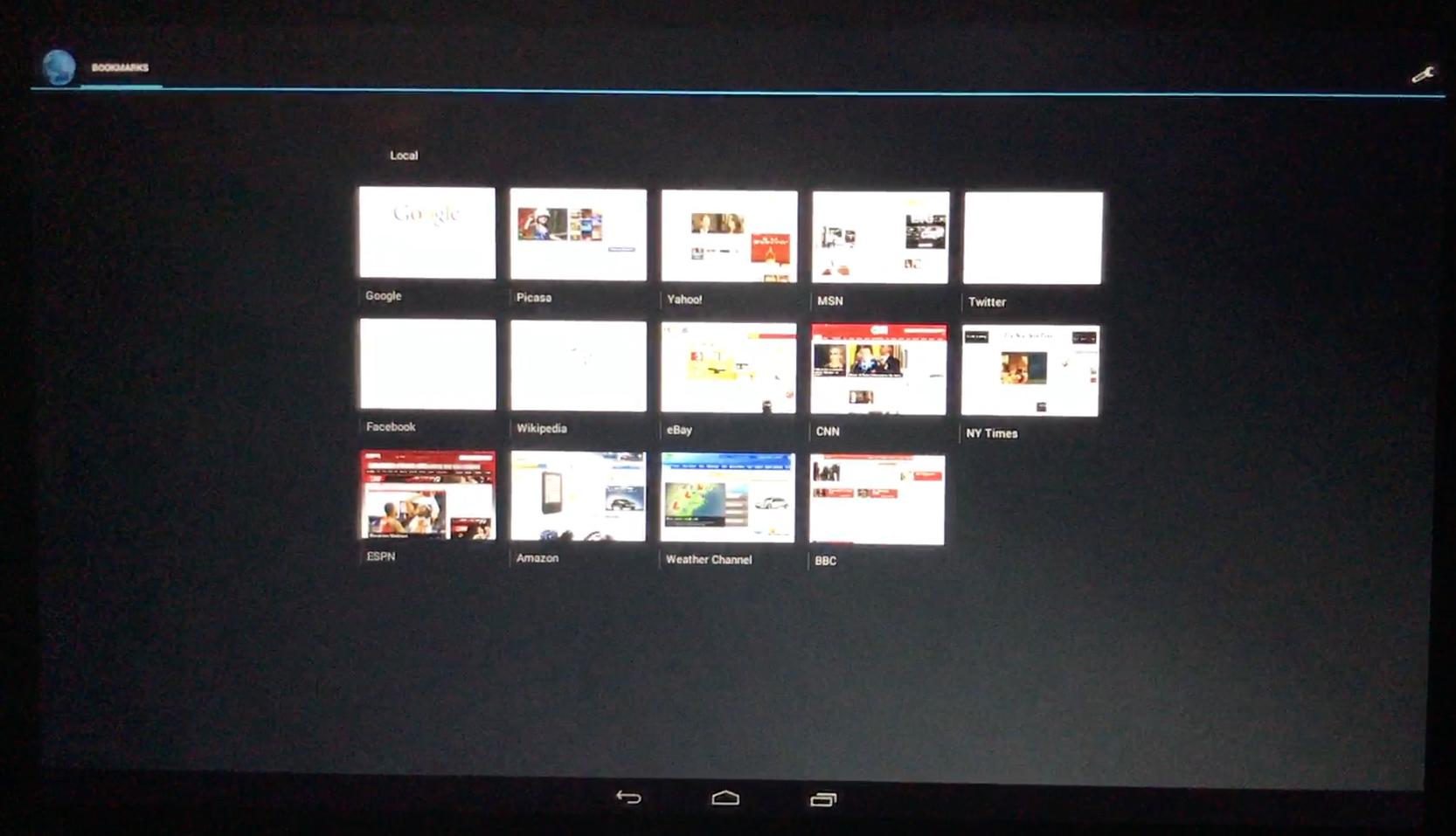
But there was no internet there. Maybe it works on other flights.
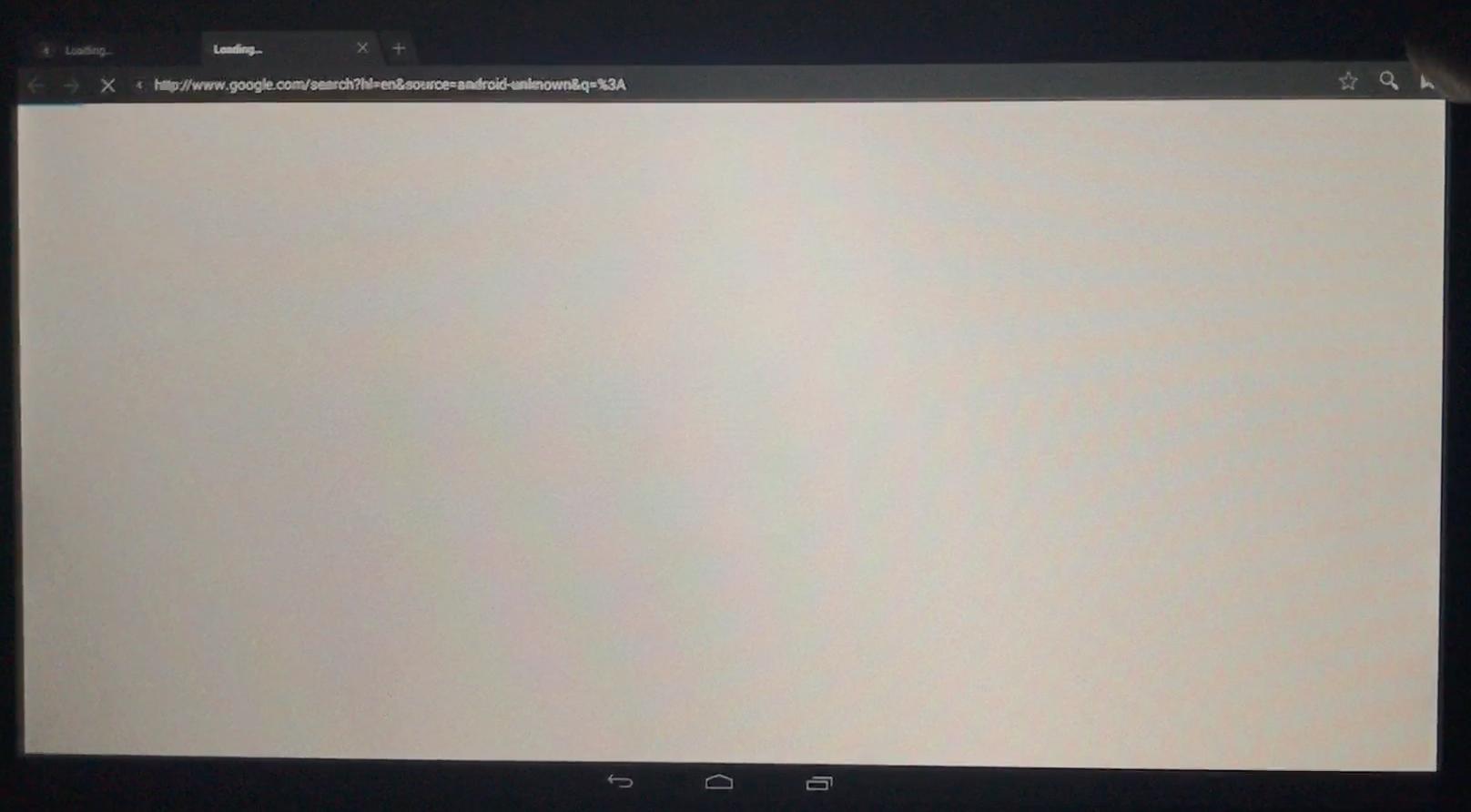
Next, I tried to open the file /etc/hosts, and it worked.
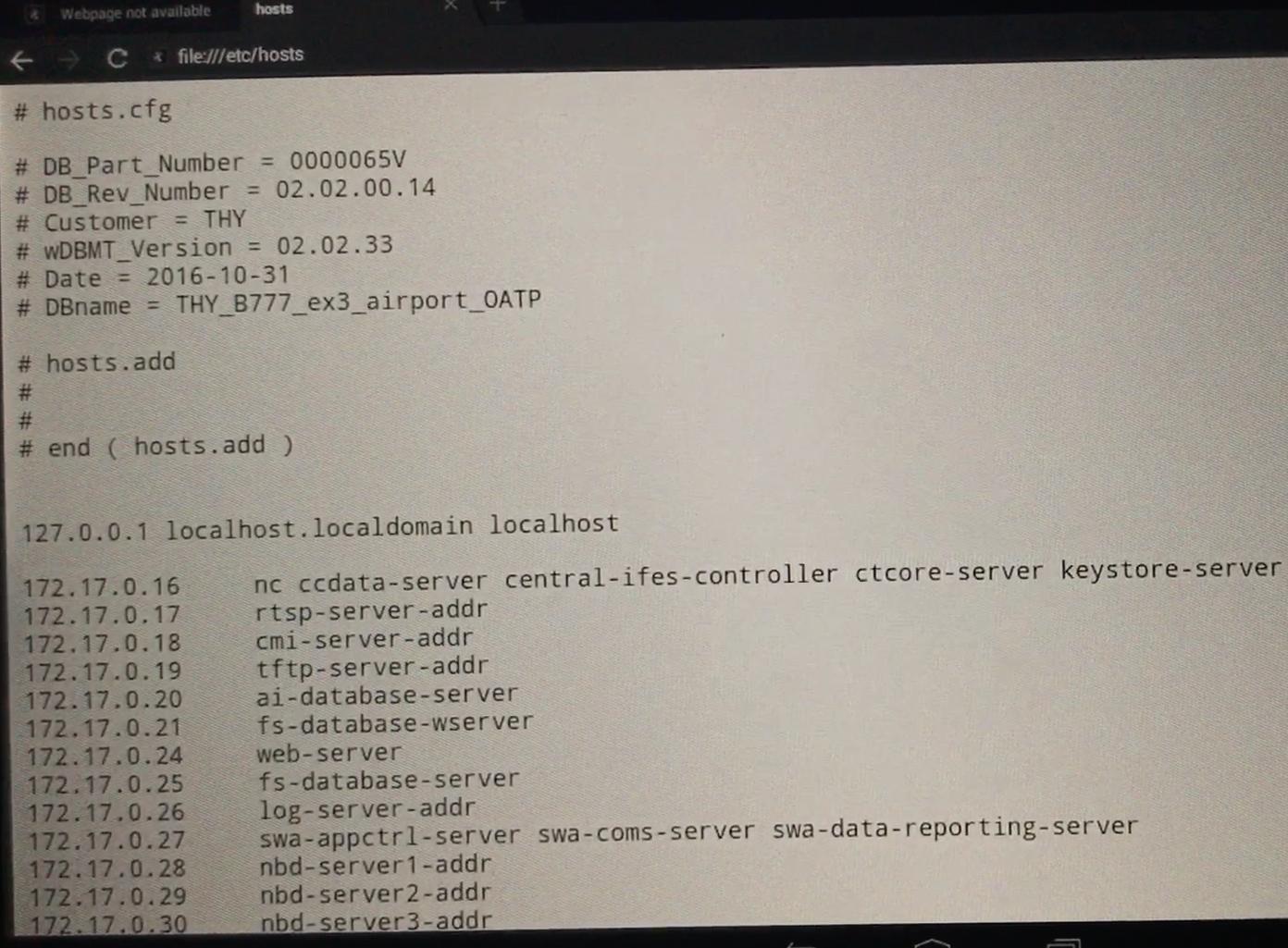
To my surprise, it turned out they use neither a DHCP server nor DNS. All devices inside the airplane, including the streaming server, are listed in the hosts configuration file.
Then I managed to copy files. I was also able to replace /etc/hosts with my own file, and then put the original file back. This makes it possible to redirect media server traffic to any IP address and also replace the web elements of the media center with your own. I did not publish the method for replacing the file.
That means someone could go through all the media centers and upload phishing pages to them, or attach an advertising banner that only the technical department could remove. This is clearly a security threat for travelers, so I decided to send everything to Turkish Airlines technical support.
Contacting Turkish Airlines Support
On the plane, I prepared and filmed a video of the whole process so I could send it to Turkish Airlines support. The video contained only what needed to be shown to support so the vulnerabilities could be fixed.
Unfortunately, it was dark, so I apologize for the quality of the video and the images in this article.
I uploaded this video to YouTube a month earlier. After changing it from private, the date reset. The link was private. Nobody could watch the video except me and the support team. I called Turkish Airlines support, and not on the first try, but I managed to explain that I was trying to help them. They explained where exactly on their website I should submit the request.
After I sent the request with the video link, I received an automated email saying they would respond within 7 days. After sending the video, I checked the view counter from time to time to see whether technical support had watched it. The number did not change.
Waiting for a Support Reply
Two weeks passed, and no answer came, so I decided to write to @TK_HelpDesk on Twitter. I immediately received a response. They said they would check my request and respond faster.
A month passed, still with no answer. I opened YouTube, and there were 175 views and 4 dislikes.
YouTube analytics showed that the link had been opened from different countries. Someone from Turkish Airlines technical support had leaked the link into public access. First, this was unprofessional on their side. Second, it became obvious that someone among the viewers would most likely upload a copy or record their own video about the bypass. That meant there was no longer any point in keeping the video private, so I decided to publish it.
I made the video public, and after that support wrote to me through direct messages on @TK_HelpDesk and also in a public thread. They said, "we answered you on the 9th." I searched and found that there really was an email. But its text was not an answer to my request at all. It said, "We would like to state our regret for being unable to respond your feedback in time due to intensity", where they apologized that they could not answer in time because of workload and said they would answer later. I still have not received an answer to my ticket.
Afterword
My advice, if you develop an interface for a terminal or any device with a touchscreen, pay more attention to how your program integrates with the operating system itself.
I hope my article helps someone make their devices a little more reliable.
In my experience, the hardest devices to bypass the UI on were devices based on Windows XP and Windows CE.