I Built App Archiver to Free Disk Space Without Deleting Mac Apps
Why I built App Archiver, how it keeps rarely used Mac apps visible, and how staged compression and restoration reclaim lasting disk space.
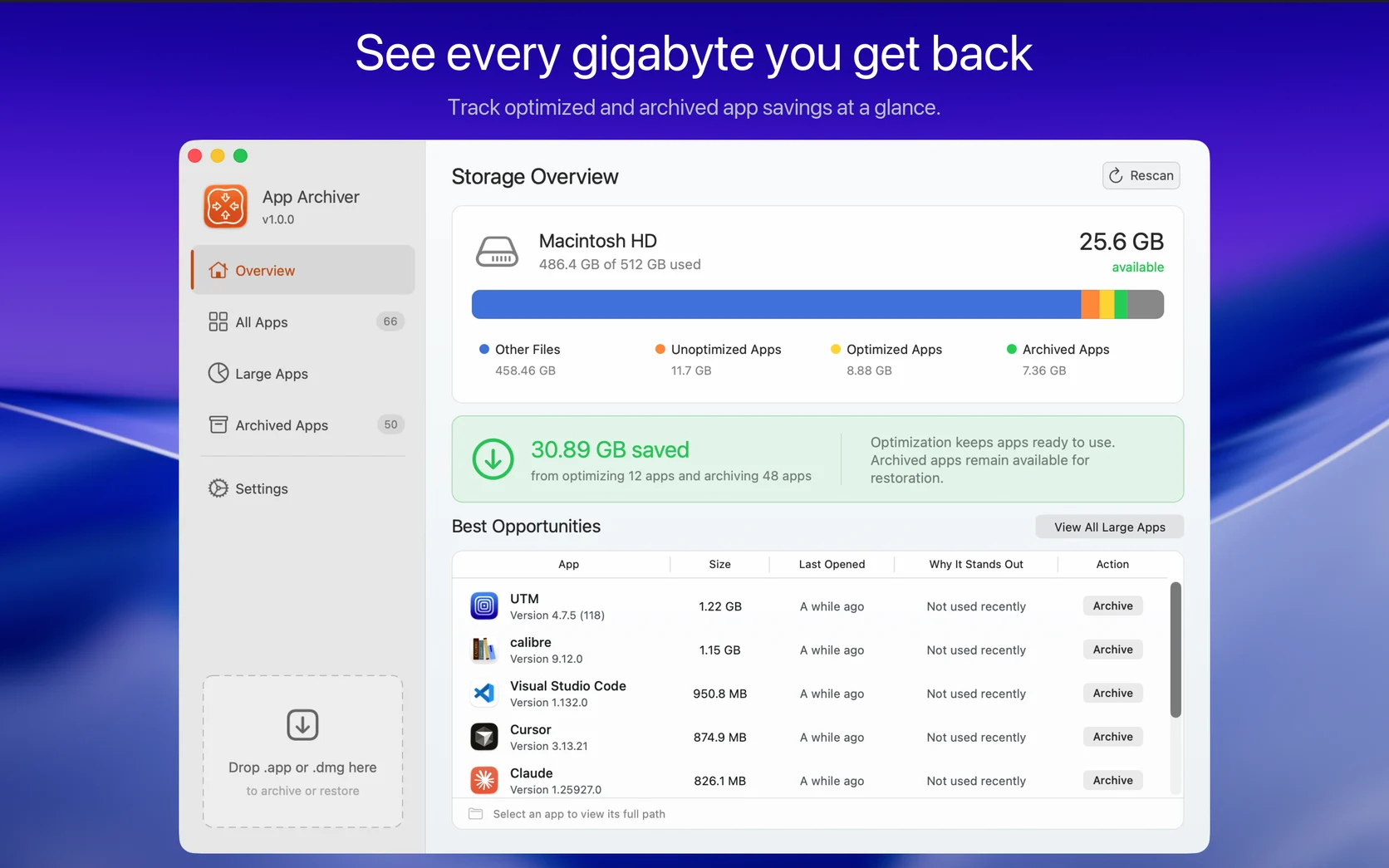
I like keeping useful apps on my Mac. I do not like deleting one just to make room, especially when I only need it once every few months. By the time that need returns, there is a good chance I will have forgotten the app existed.
Moving it into a ZIP file solves the storage problem but creates a memory problem. The app disappears from Applications, Spotlight, Alfred, and Raycast. It becomes another archive in a folder or on an external drive that I have to remember later.
That tension led me to build App Archiver, a Mac utility that reclaims space from the applications themselves while giving me a way to keep them visible and restorable.
The central idea is simple. A rarely used app should be able to take less space without disappearing from the place where I normally find it.
Why clearing caches was not enough
Most storage cleaners concentrate on caches, logs, and temporary files. That can be useful, but much of the reclaimed space returns as applications continue running and rebuild what was removed.
The applications themselves can occupy tens of gigabytes. Development tools, browsers, creative software, virtual machine managers, and specialized utilities often remain installed because they may be useful later. Deleting them creates lasting free space, but it also removes the software I wanted to keep.
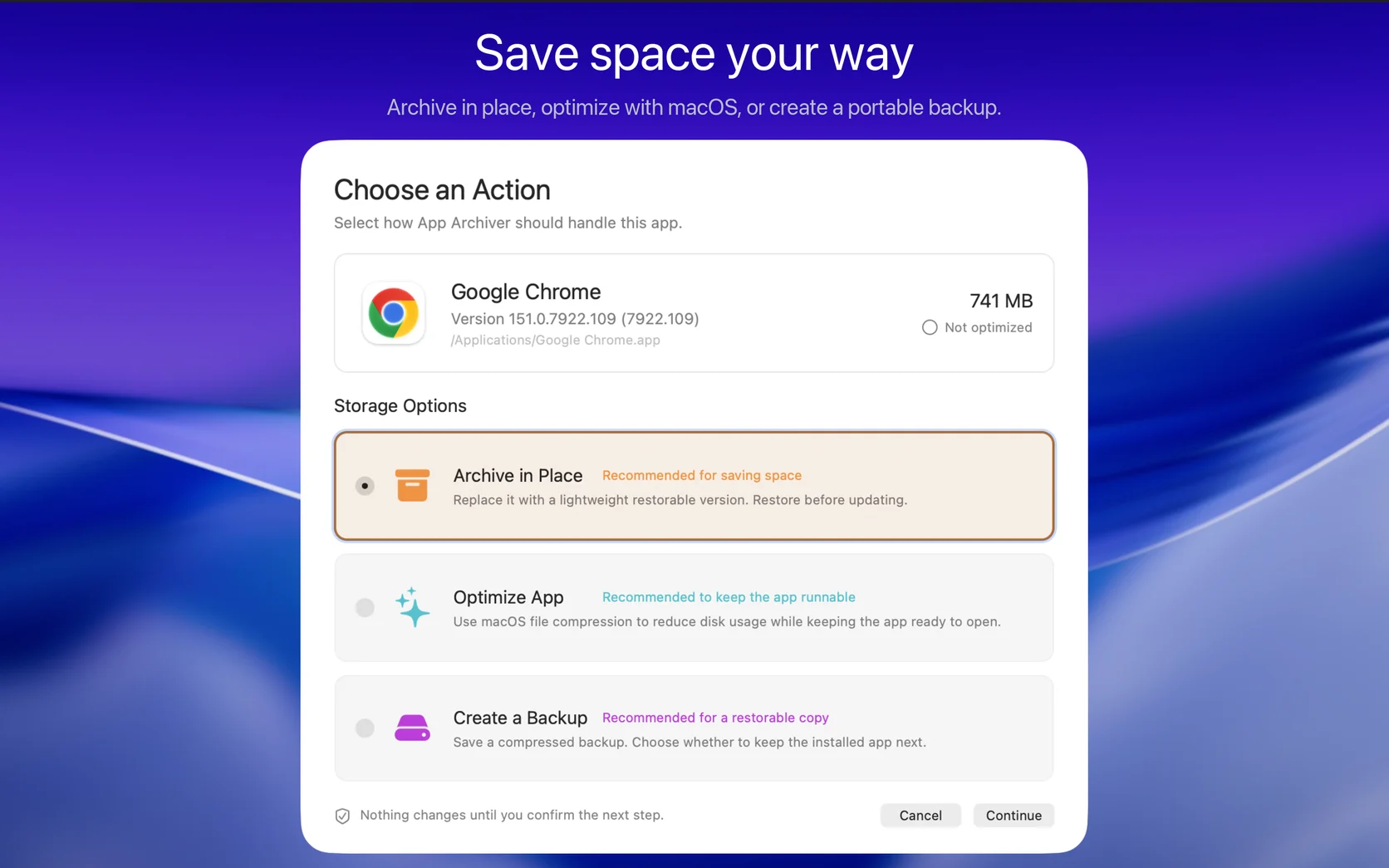
App Archiver works on application bundles instead. It does not remove documents or application data. It provides three different ways to reduce or relocate the storage used by an app, depending on whether I still use it regularly, want it to remain visible, or need a portable backup.
Optimize an app and keep using it
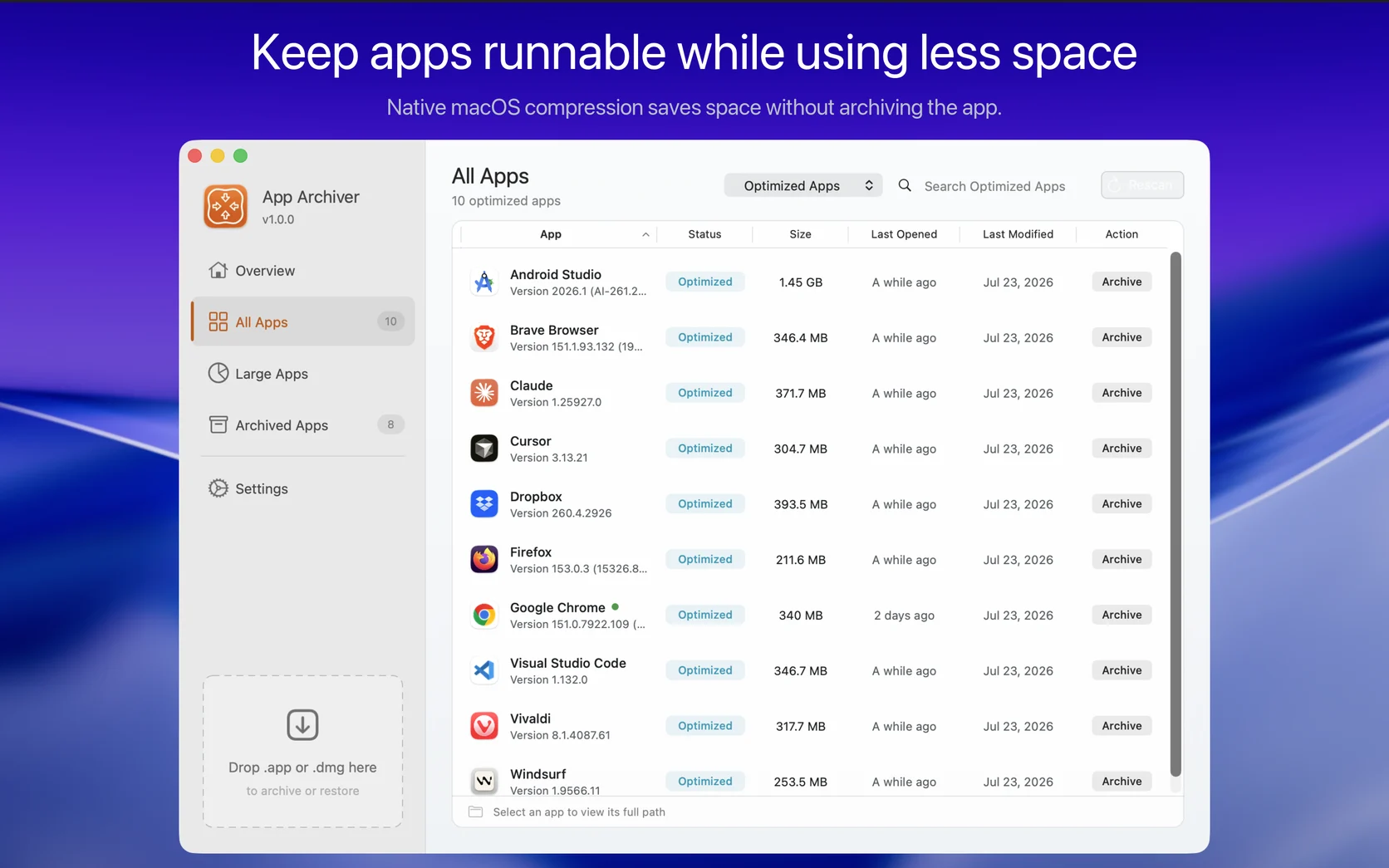
Optimization uses native macOS filesystem compression while leaving the app installed in its normal location. macOS handles the compressed files transparently when the application reads them, so there is no manual extraction step. The app continues to open normally and remains available for updates. An update may replace its compressed files, after which the app can be optimized again.
This option is useful for applications I still use but that contain enough compressible material to make optimization worthwhile. App Archiver estimates the result first, builds an optimized copy in a staging area, and verifies it before the original is replaced. If optimization would not produce a useful result, the app is left unchanged.
The amount saved varies because application bundles contain different kinds of files. Already compressed media will not shrink like executable code or other uncompressed resources. The estimate makes that tradeoff visible before anything changes.
Archive an app without making it disappear
Archiving in place is the feature that originally motivated the project.
App Archiver turns a rarely used application into a lightweight, restorable .app bundle in the same location. Its icon remains in Applications and stays discoverable by launchers that index that folder. Instead of remembering where I moved an archive, I can find the app the same way I always did.
Opening the archived app starts restoration in App Archiver. The lightweight bundle acts as both a reminder that the app exists and a direct way to bring it back. The full app must be restored before it can run or update.
I looked for another tool that kept a compressed, restorable app in its original Applications location and could not find one. That difference matters more to me than simply producing a smaller archive. Software that disappears from my workflow is software I will probably forget.
Create a verified ZIP or DMG backup
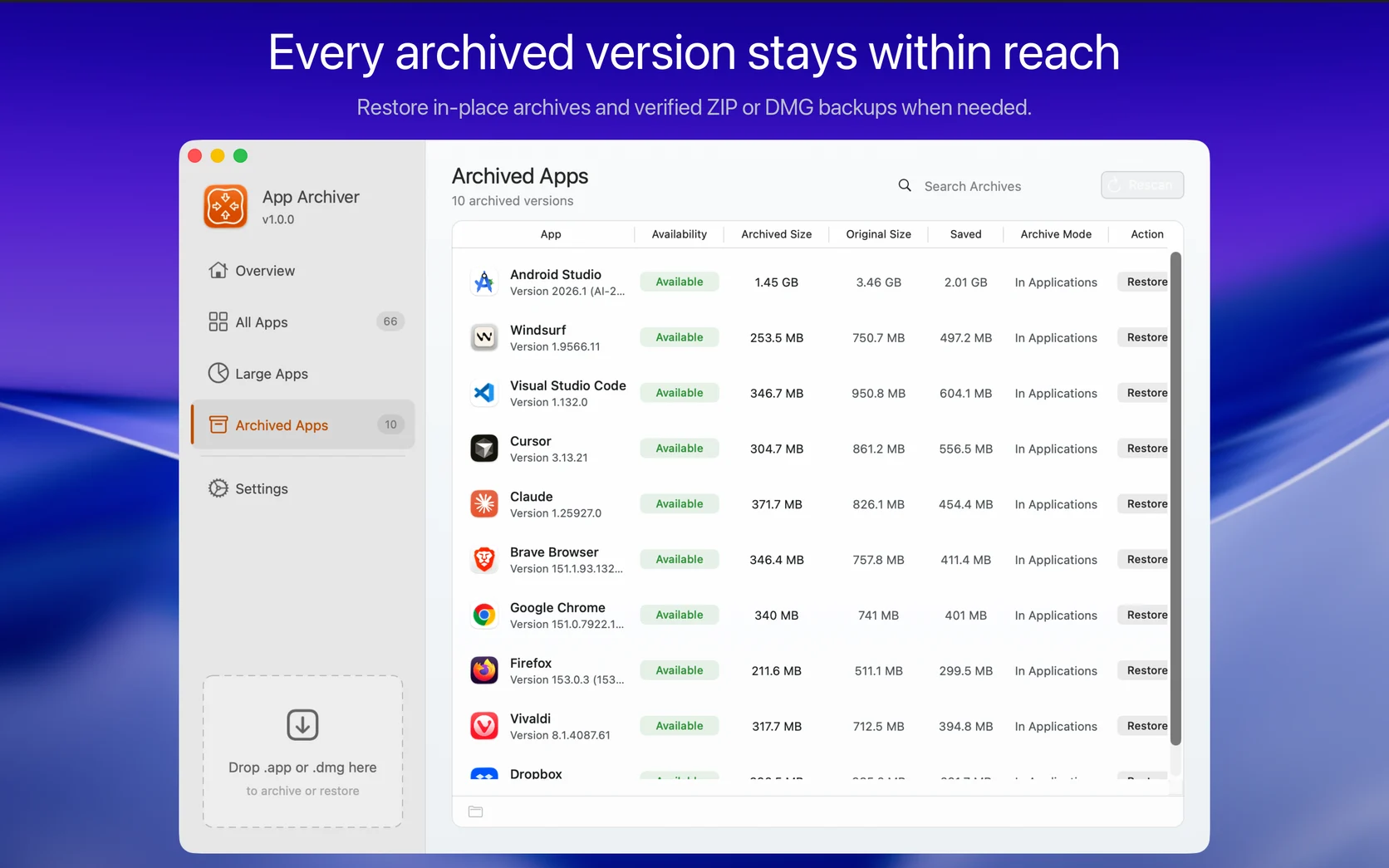
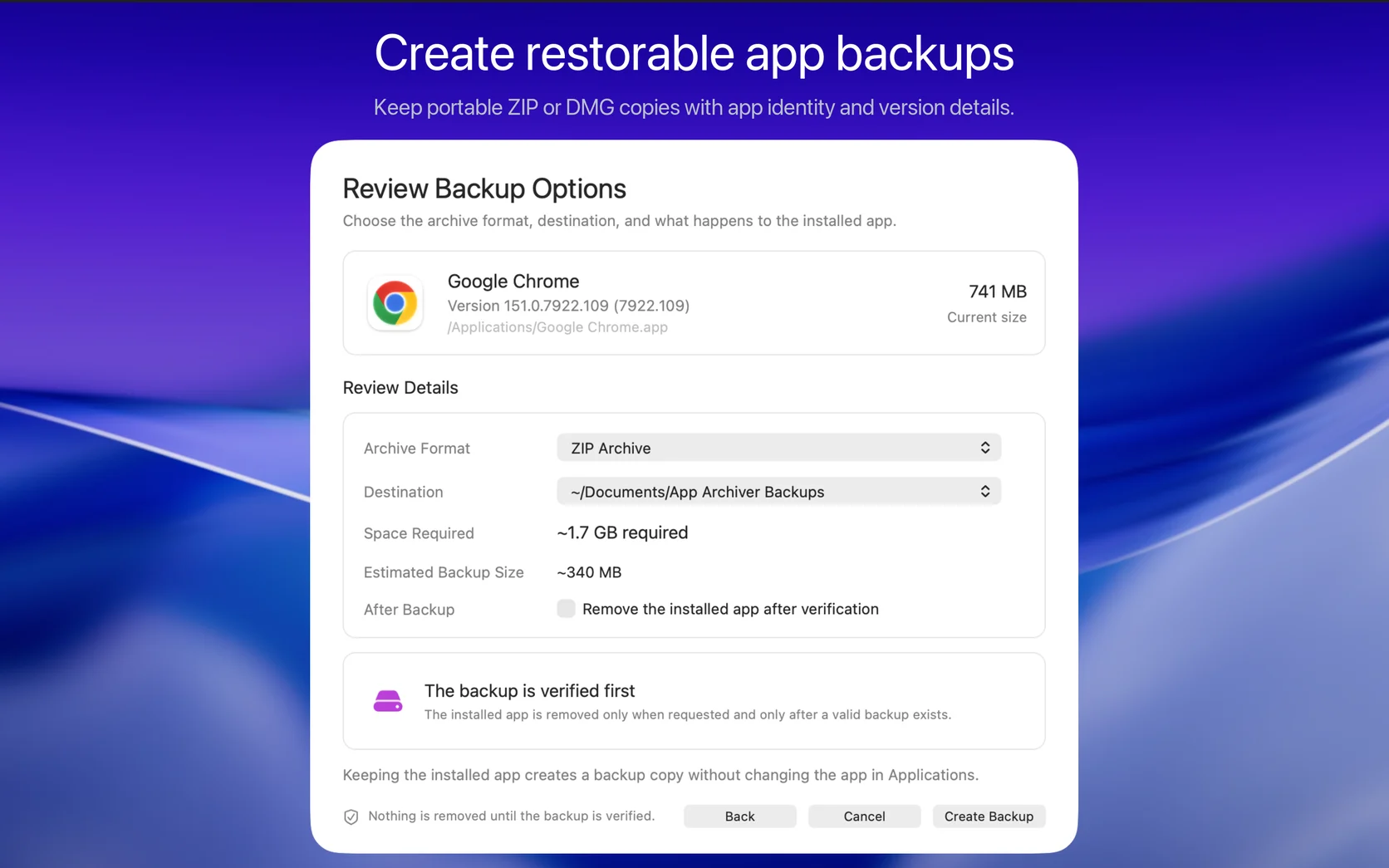
Sometimes I do want a separate copy. App Archiver can create a ZIP or DMG backup in a local folder or on an external drive. I can keep the installed application or ask the app to remove it after the backup has been created and verified.
Both formats can be restored through App Archiver. Archive Storage can track multiple versions and remember backups on removable drives. If a drive is disconnected, its location remains known and can be reconnected when the backup is needed.
The installed application is never removed merely because backup creation started. Removal happens only when I request it and a valid backup already exists.
Find the apps worth shrinking first
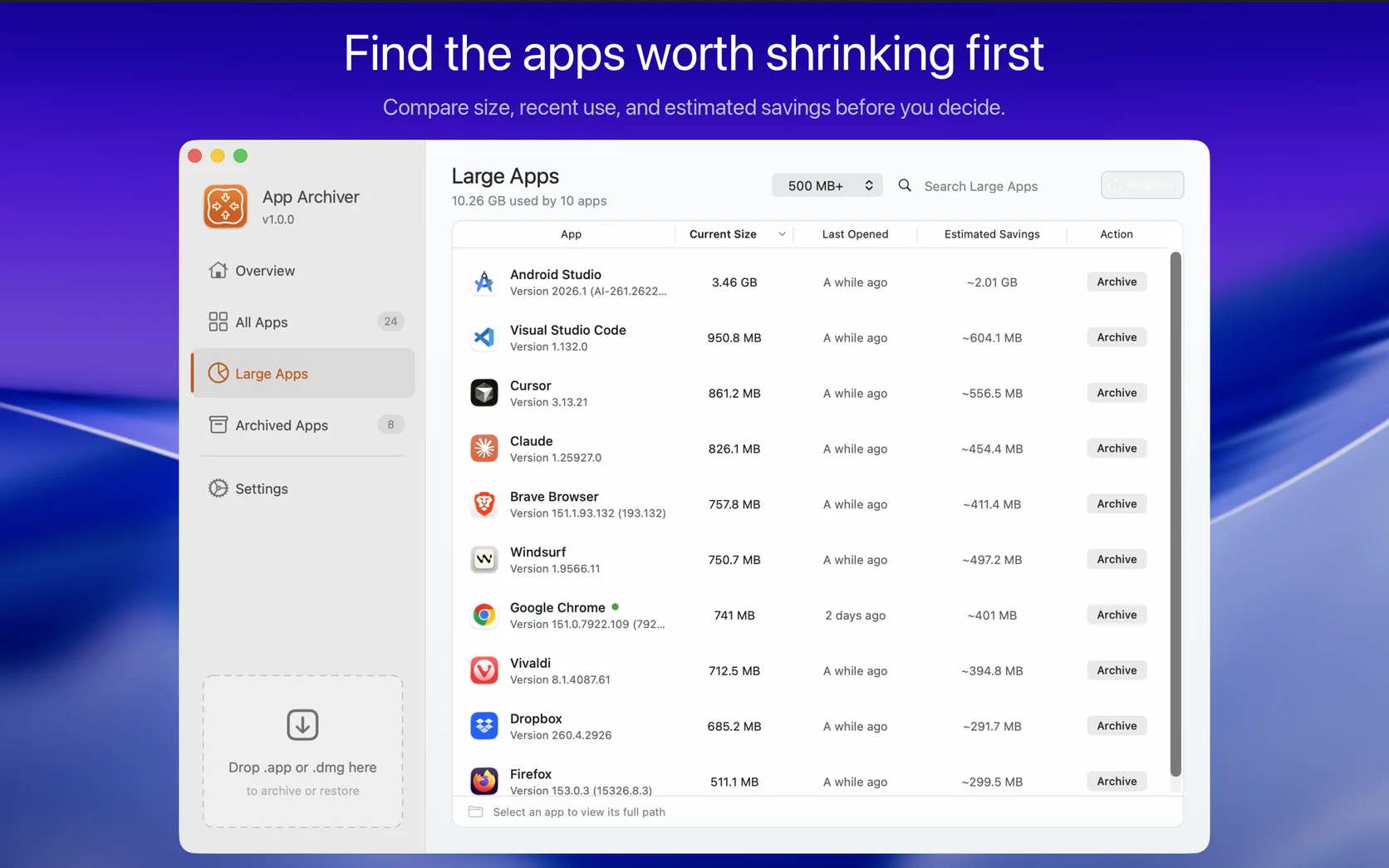
Before I built the overview, deciding what to remove still involved wandering through the Applications folder and checking sizes one app at a time.
App Archiver scans installed applications and compares their current size, recent use, and estimated archive savings. The Large Apps view can filter by size, search the results, and reveal an application in Finder before I decide what to do with it. Running, archived, and system applications are kept out of the recommendations.
That changes the question from “Which apps look large?” to “Which apps will actually return meaningful space and are rarely used?”
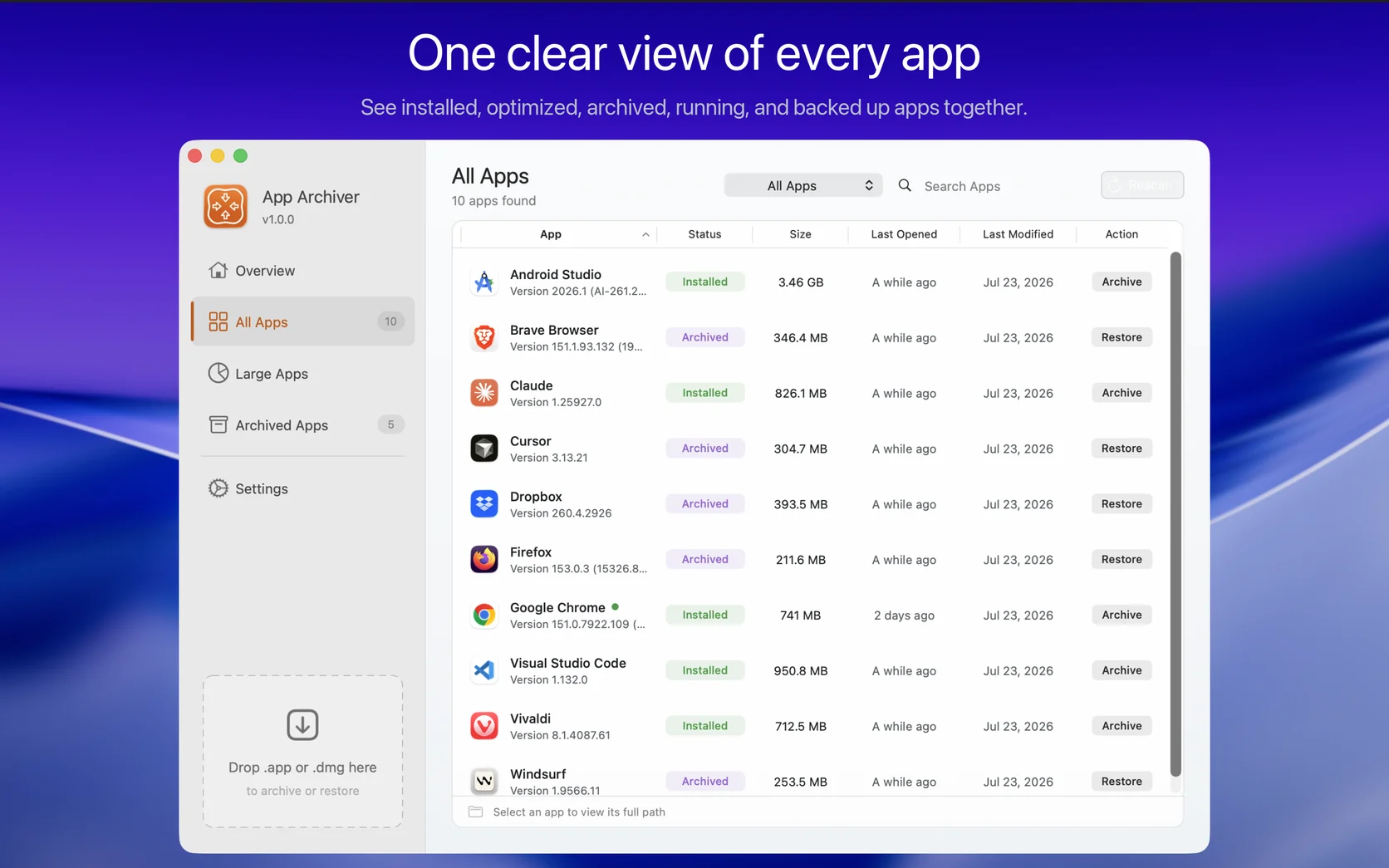
The full library keeps installed, optimized, archived, running, and backed-up apps in one view. I can search, filter, sort, rescan, or reveal any app in Finder. After an operation finishes, the overview tracks the space reclaimed through both optimization and archiving.
Verification comes before replacement
Changing an application bundle deserves more care than clearing a cache directory.
Before modifying an original app, App Archiver checks available disk space and works in a private staging area. It validates checksums, application identity, executables, signatures, and restored contents. The original remains unchanged until its optimized replacement or backup is ready.
The same principle applies when restoring. The result is verified before App Archiver treats the operation as complete. A target app must be fully quit before it can be optimized, archived, or removed. System apps cannot be archived, and some applications protected by macOS may require App Management permission or administrator approval.
Storage savings are useful only when I can trust the process that produced them. Staging and verification therefore became part of the basic design rather than an optional advanced mode.
Designed to work without Internet access
App Archiver does not need an account, login, analytics service, or cloud component. Discovery, analysis, compression, verification, and restoration all happen locally on the Mac.
The app does not connect to online services. That is useful for privacy, but it also keeps a storage utility independent of a server that might later change or disappear.
App Trust Preview integration
App Archiver also works with App Trust Preview, my separate utility for inspecting Mac software before opening it.
After both apps are installed, App Archiver can be added to the “Open with other apps” panel in App Trust Preview. An app can then be sent from Finder Quick Look to App Archiver for archiving, optimization, or restoration.
The AppArchiverScript helper is published under the MIT License. It performs the narrow local file operations that the App Sandbox cannot, including creating disposable filesystem-compressed copies and preparing verified restorations. The license covers this helper, not the complete App Archiver application.
Building the app I wanted to use
This is the third time I have built a macOS utility around a problem for which I could not find the app I wanted. I enjoy taking a small, persistent frustration and turning it into a focused tool with clear behavior.
I used AI during development while keeping responsibility for the architecture, implementation, review, and testing. I described that approach in How to Use AI Without Losing Control of Your Code.
App Archiver joins the other Mac apps I build, including Parall, DockLock, LockLines, and App Trust Preview.
Price and availability
App Archiver 1.0.0 launched on August 11, 2026. It requires macOS 12 or later. At launch, it costs $4.99 on the Mac App Store.